Grogginess on waking
Sleep inertia is the temporary grogginess you may feel after waking. Its duration varies.
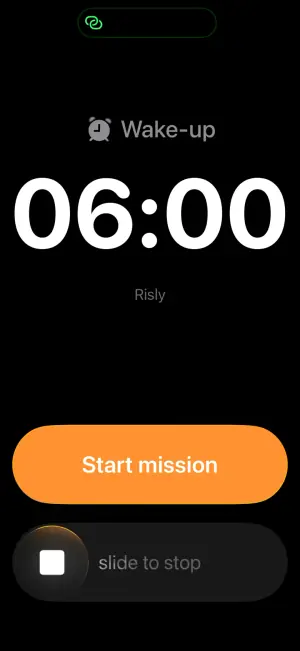
Choose a mission or use normal alarm mode without a mission.
Sleep inertia is the temporary grogginess you may feel after waking. Its duration varies.
Research does not show that snoozing is universally harmful. If it makes you late, changing your alarm routine may help.
Choose your wake-up time and mission before bed. Risly is an alarm tool, not a treatment for sleep problems.
With a mission enabled, complete the selected task to stop the alarm. Choose a mission or use normal alarm mode without a mission.
Risly uses AlarmKit to schedule alarms that ring through silent mode and Focus.
Not hidden, not buried in settings: nonexistent. The negotiation your half-asleep brain wants to have simply has no interface.
Not ready to hand the decision to an app? We go through what actually works here: How to stop hitting snooze.
| · | Apple Clock | Risly |
|---|---|---|
| Snooze | Snooze can be disabled | Doesn't exist |
| Dismiss | Swipe, eyes closed | Mission mode |
| Silent mode / Focus | ✓ | ✓ |
| Tasks to dismiss the alarm | — | ✓ |
| Compatibility | iPhone with the Clock app | iPhone · iOS 26+ |

Tonight, set one alarm. Tomorrow, win it.
 Risly
Risly